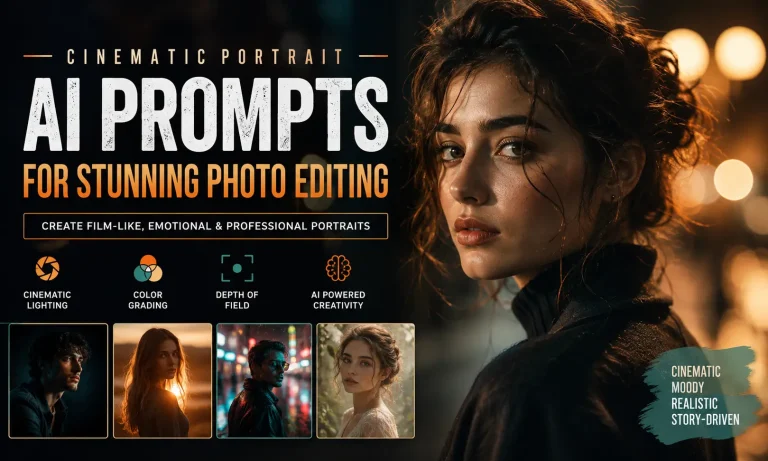
Eye Close Up Portrait AI Photo Editing Prompt 2026
Have you ever wondered how creators generate stunning AI portraits where every eyelash, iris pattern, and reflection looks incredibly realistic? The secret is not just the AI model. It starts with a well-written Eye Close Up Portrait Ai Photo Editing Prompt.
A strong prompt tells the AI exactly what to create. It defines the composition, camera settings, lighting, colors, facial expressions, and every tiny detail that makes the portrait look like professional photography instead of digital artwork. We have all latest photo editing prompts, You can visit Vm Editor.
This guide explains everything you need to know. You’ll also get ready-to-use prompts that work with today’s leading AI image generators.
What Is an Eye Close Up Portrait AI Photo Editing Prompt?
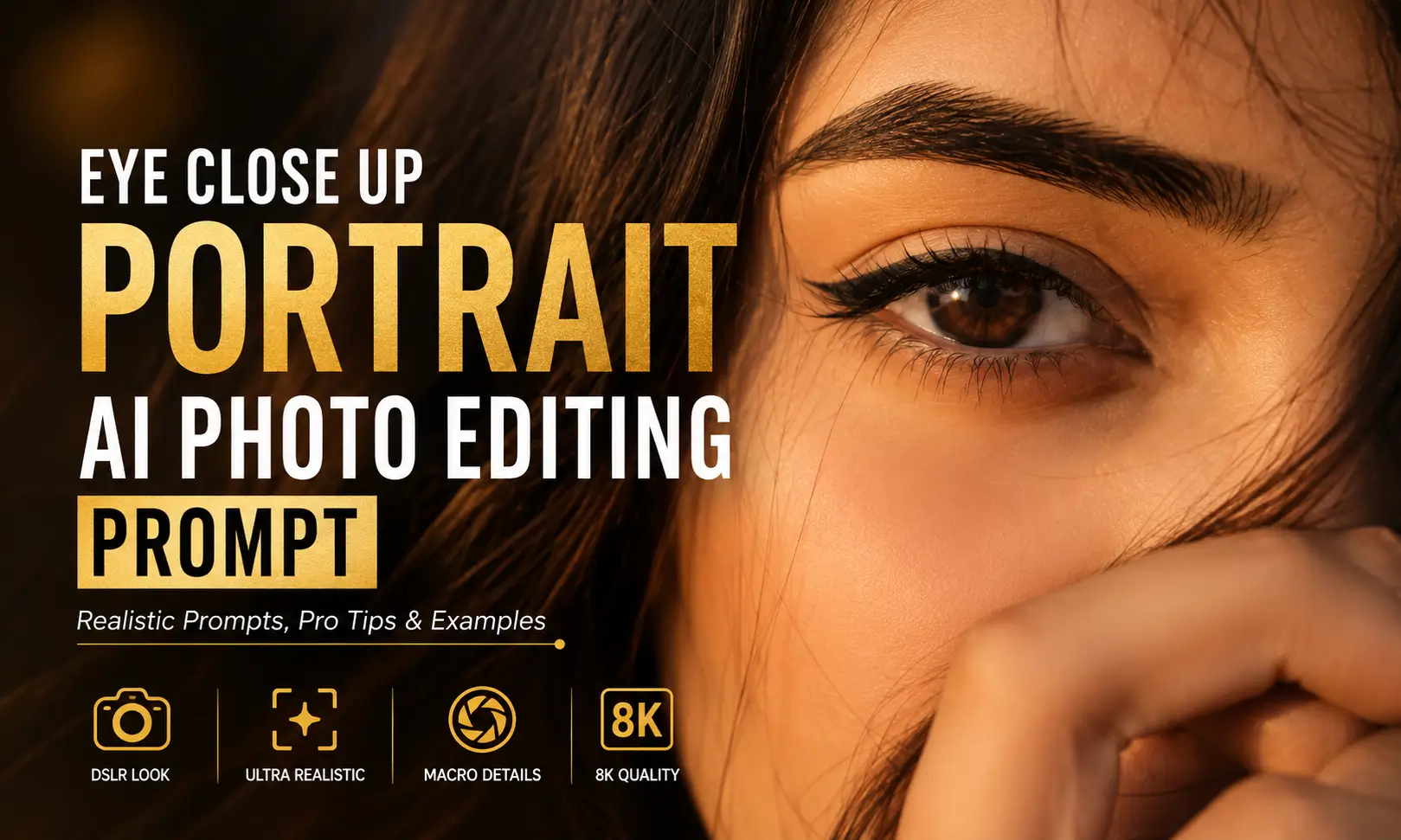
An eye close-up portrait prompt is a detailed instruction given to an AI image generator. It describes how the eye should appear, including lighting, camera angle, facial details, depth of field, reflections, and photography style.
Instead of asking the AI to create a “close-up eye,” you provide specific details that mimic professional photography.
For example, a detailed prompt may include:
The more descriptive your prompt becomes, the more realistic your final portrait usually appears.
Why Eye Close-Up Portraits Are Trending
Eye portraits have become one of the most popular AI art styles across Instagram, Pinterest, TikTok, and design communities.
There are several reasons behind this trend.
First, the human eye naturally draws attention. A highly detailed iris creates an emotional connection with viewers.
Second, today’s AI models can reproduce tiny details that were difficult just a few years ago. Individual eyelashes, skin texture, reflections, and color transitions now appear much more realistic.
Third, creators use eye close-up portraits for many purposes, including:
Because of these applications, eye portrait prompts continue to gain popularity among both beginners and professional creators.
Best Eye Close Up Portrait Ai Photo Editing Prompt
Below are several professionally written prompts that you can copy directly into your favorite AI image generator.
Hyper-Realistic Eye Portrait Prompt
Extreme macro close-up portrait of a human eye, ultra realistic iris texture with intricate details, natural skin pores, perfectly defined eyelashes, glossy reflections, cinematic soft lighting, shallow depth of field, DSLR photography, 100mm macro lens, f/2.8 aperture, HDR, 8K resolution, realistic color grading, professional portrait photography, highly detailed, photorealistic.Cinematic Eye Portrait Prompt
Ultra close-up portrait focusing on one eye, cinematic lighting with dramatic shadows, crystal clear iris, subtle reflections, natural eyelashes, smooth skin texture, soft golden highlights, shallow depth of field, premium DSLR photography, realistic facial details, 8K quality, masterpiece, photorealistic portrait.Luxury Fashion Eye Prompt
High-fashion eye close-up portrait, flawless skin, luxurious makeup, glossy eyelashes, elegant lighting setup, rich color grading, editorial beauty photography, macro lens, ultra detailed iris, realistic reflections, premium magazine quality, cinematic portrait, HDR, 8K.Blue Eye Portrait Prompt
Extreme close-up portrait of a vibrant blue eye, crystal-clear iris patterns, natural eyelashes, realistic reflections, soft studio lighting, shallow depth of field, ultra detailed skin texture, photorealistic DSLR photography, 100mm macro lens, HDR, 8K ultra resolution.How to Write Better Eye Close-Up Prompts
Many users write prompts that are too short. A prompt like:
Close-up eye portrait
gives the AI very little information.
Instead, describe the subject as if you were directing a professional photographer.
Include details such as:
The more relevant details you include, the better the AI understands your vision.
Best AI Image Generator Tools
| AI Tool | Realism | Ease of Use | Best For | Beginner Friendly |
|---|---|---|---|---|
| ChatGPT | ⭐⭐⭐⭐⭐ | ⭐⭐⭐⭐⭐ | Realistic portraits | Yes |
| Midjourney | ⭐⭐⭐⭐⭐ | ⭐⭐⭐ | Cinematic artwork | Moderate |
| FLUX AI | ⭐⭐⭐⭐⭐ | ⭐⭐⭐⭐ | Photorealistic images | Yes |
| Stable Diffusion | ⭐⭐⭐⭐ | ⭐⭐ | Advanced customization | No |
| Google Imagen | ⭐⭐⭐⭐⭐ | ⭐⭐⭐⭐ | Natural photography | Yes |
Tips for More Realistic Results
Follow these practices whenever you create an eye portrait.
Common Mistakes to Avoid
Many beginners struggle because of simple prompt-writing errors.
Avoid these mistakes:
Each small improvement helps produce cleaner and more realistic AI portraits.
Final Words
A well-crafted Eye Close Up Portrait AI Photo Editing Prompt is the foundation of realistic AI-generated portraits. Instead of relying on a few generic words, describe the camera, lens, lighting, skin texture, eye details, and composition as if you were directing a professional photo shoot. With practice and prompt refinement, you can consistently create stunning eye portraits that stand out on social media, in design projects, or as part of a creative portfolio.
Experiment with the copy-and-paste prompts in this guide, make small adjustments, and compare the results. Even minor changes to lighting or lens descriptions can significantly improve image quality and realism.