Free Online Editing Tools You Can Use Today
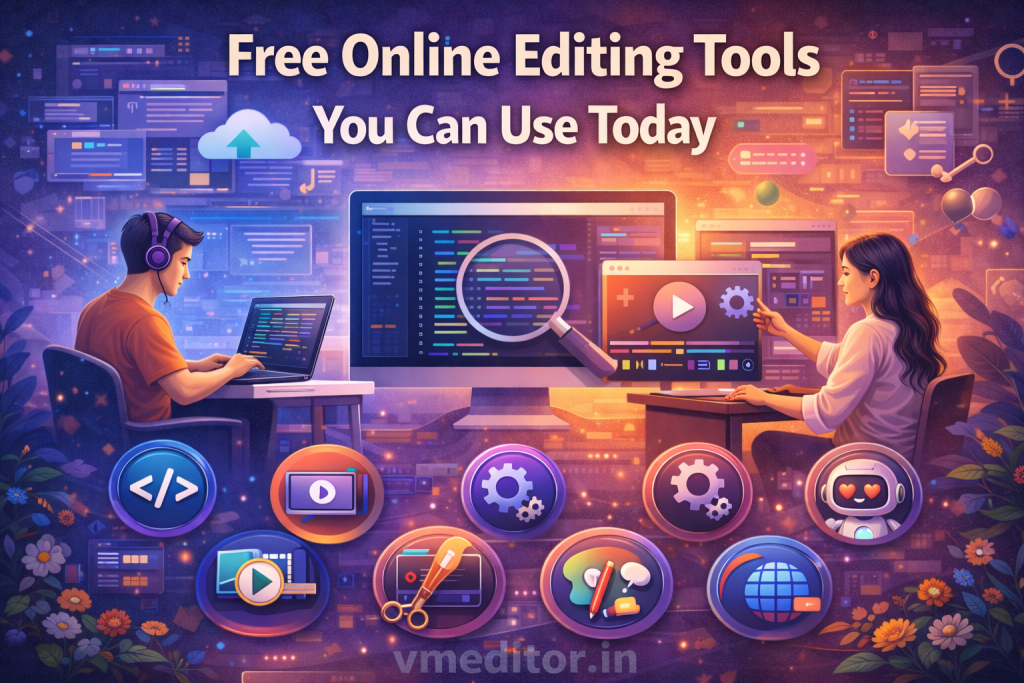
Free online editing tools are platforms you can use in a web browser to improve photos, make simple edits, or create visuals without installing software. These tools make basic editing accessible to everyone.
Unlike heavy desktop apps, free online editors work with a few clicks. You can upload a file, edit it, and save the result without paying or downloading large programs.
Many users choose free tools because they offer simple controls, quick results, and no cost. These tools are ideal for students, small business owners, social media users, and beginners.
Below are some of the best free online editing tools you can use right now.
Canva Free Online Editor
Canva has a free version that lets users edit photos and create designs. It supports tasks such as cropping, text overlays, templates, and basic color adjustments.
The free plan includes many layouts for social posts, banners, or simple visuals. Users can drag and drop elements with a few clicks.
Canva also offers design tools that work well with photo edits. This makes it more than just a photo editor, even in the free version.
This tool works in the browser and is easy to use without prior experience.
Pixlr Free Online Editor
Pixlr provides a free online editing option that resembles traditional editing tools but in a browser. Users can crop, resize, adjust colors, and use filters without paying.
The free version includes basic controls that help improve image quality quickly. There is also an option to work with layers if users want slightly more control.
This tool works without installation and supports common image file types.
Pixlr is a good option when someone needs a bit more than the simplest edits.
Fotor Free Online Editor
Fotor offers free online photo editing that focuses on quick tasks. Users can crop images, adjust brightness and contrast, and apply filters at no cost.
The tool also supports effects and basic overlays. While some options may show light ads, the core features remain free.
Fotor suits users who want quick edits without complex controls. It also works well for batch editing multiple images at once.
This makes it useful for social posts or project visuals.
BeFunky Free Online Editor
BeFunky has a free online version that includes common editing tools like crop, resize, rotate, and color adjustments. It also offers simple filters and frames in the free plan.
The interface is simple and beginner-friendly. Users can make basic improvements without feeling overwhelmed.
BeFunky also supports adding text and small graphic elements. This helps create simple visuals for everyday use.
This tool works well for quick photo fixes and light creative edits.
Photopea Free Online Editor
Photopea is a free browser editor that resembles traditional editing software. Unlike many other free tools, it offers advanced features like layers and masks.
Users can open many image formats and work with detailed adjustments. This makes Photopea a strong choice for users who want more control but do not want to install software.
While Photopea may seem more advanced, it still runs for free and operates entirely in the browser.
This tool bridges simple and advanced editing needs.
Polarr Free Online Editor
Polarr provides free online photo editing with strong color and light tools. Users can adjust contrast, saturation, highlights, and shadows without cost.
This editor also includes a set of filters and quick correction tools. Polarr works well for users who want fine control over color and tone.
The interface remains clean and simple enough for most users.
This makes Polarr useful for quick fixes as well as stronger photo improvements.
iPiccy Free Online Editor
iPiccy is another free online editing tool that supports basic tasks like crop, resize, blur, and color fix. It also provides filters, overlays, and simple design elements.
The tool is easy to navigate and runs in the browser. Users can complete many editing tasks without signing up.
This makes iPiccy a good choice for quick edits without creating an account.
It is ideal for users who want a straightforward tool.
BeFunky Free Online Collage Maker
BeFunky also includes a free collage maker that allows users to combine photos into a single layout. This is helpful for social media posts, event summaries, or project boards.
Users can drag images into pre-made grids and adjust spacing or colors. It is simple to use and works without paying.
This feature adds value to free photo editing.
Summary: Best Free Online Editing Tools
Here is a quick look at what each free tool does well:
- Canva Free Online Editor – Photo editing + design templates
- Pixlr Free Editor – Simple edits with optional control
- Fotor Free Editor – Quick tasks, batch editing
- BeFunky Free Editor – Easy menus and filters
- Photopea Free Editor – Advanced tools like layers
- Polarr Free Editor – Strong color adjustment
- iPiccy Free Editor – No signup, quick edits
All these tools work in a browser and do not require installation. They help users edit photos without cost and with simple steps.
How to Choose the Right Free Tool
When choosing a free online editor, think about what you need:
- If you want design templates and photo edits, choose Canva.
- If you want more control but still free, try Photopea.
- If you want quick fixes, pick Pixlr or Fotor.
- If you want strong color tuning, Polarr is a good choice.
This helps users match tools to their editing goals.