How to Edit Videos Using VM Editor
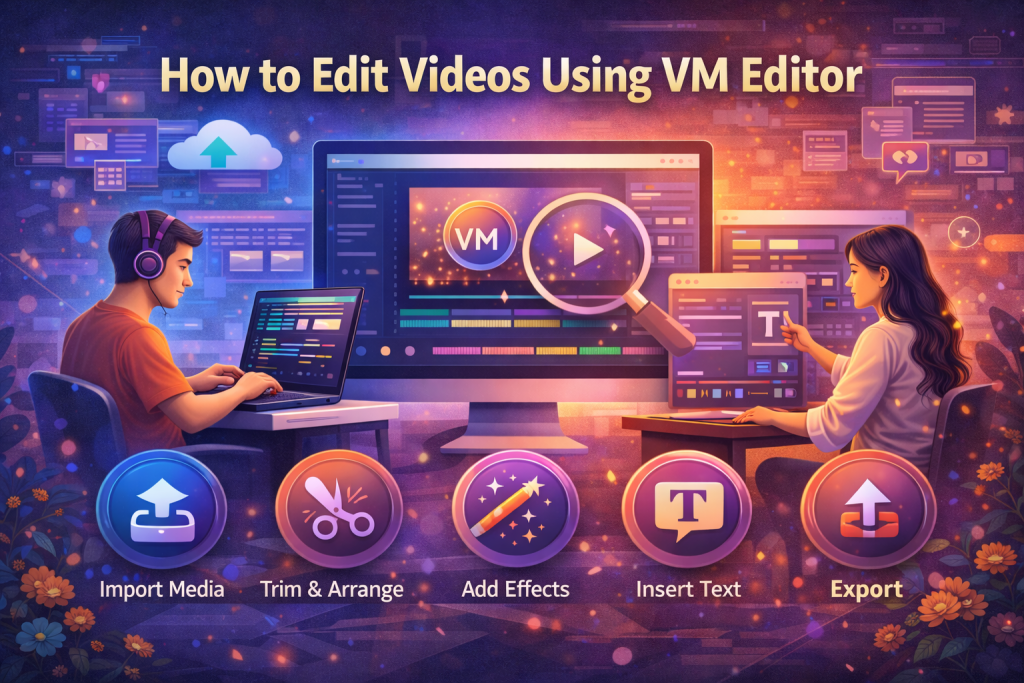
Editing videos using VM Editor is simple because the platform is designed to reduce confusion and save time. Users can complete basic and advanced video edits directly from vmeditor.in without installing software or learning complex tools.
VM Editor follows a clear process. You upload your video, apply edits using simple controls, preview the result, and export the final file. This workflow helps users focus on content instead of technical steps.
How to Upload a Video in VM Editor
To start editing, visit vmeditor.in and open the video editing section. The upload option is clearly visible, which makes the first step easy.
Users can select a video file from their device and upload it directly to the platform. Once uploaded, the video loads into the editing workspace automatically.
The system prepares the video for editing without asking users to set timelines or formats manually. This saves time and avoids mistakes.
How to Trim and Cut Videos Using VM Editor
Trimming a video in VM Editor helps remove unwanted parts and keep the content clear. This is one of the most common editing tasks.
Users can drag the trim handles to cut the beginning or end of the video. The preview updates instantly, so users can see changes right away.
This feature helps shorten videos for social media, presentations, or quick sharing.
How to Adjust Video Length and Timing
VM Editor allows users to control video length without complex timelines. Timing controls are simple and easy to understand.
Users can shorten clips, adjust sections, or keep only the most important parts. This helps improve viewer attention and keeps videos focused.
Clear timing control is useful for short videos, tutorials, and promotional content.
How to Enhance Video Visuals in VM Editor
VM Editor provides basic visual adjustment tools that help improve video quality. These tools focus on clarity rather than advanced effects.
Users can adjust brightness, contrast, and visual balance to make videos easier to watch. Small changes often improve how a video looks on screens.
These tools help creators fix lighting issues without needing professional skills.
How to Add Simple Effects in VM Editor
VM Editor includes simple effects that improve video appearance without overwhelming users. These effects are applied with a few clicks.
Effects help highlight important moments or add visual interest. They work best when used lightly to keep videos clean.
Users can preview effects before applying them, which prevents unwanted results.
How to Preview Videos Before Exporting
Previewing is an important step in video editing. VM Editor includes a built-in preview option that shows the final result.
Users can play the edited video and check cuts, timing, and visuals. If something looks off, they can return to editing and fix it.
This step helps avoid exporting videos with errors.
How to Export Videos Using VM Editor
Once editing is complete, users can export the video directly from VM Editor. The export process is simple and clear.
Users select the export option and wait for the final file to generate. The platform handles formatting automatically.
The exported video is ready to use for sharing, posting, or saving.
Why VM Editor Is Easy for Video Editing Beginners
VM Editor is suitable for beginners because it removes unnecessary tools and steps. The layout focuses only on essential actions.
Users do not need editing experience to understand how the platform works. Each option is labeled clearly.
This helps new users gain confidence while editing videos.
How VM Editor Supports Regular Video Editing Tasks
VM Editor works well for daily editing needs. Users can edit short videos, clips, or simple projects without delays.
Since the platform works online, users can access it from different devices. This flexibility helps people who edit on the go.
The simple workflow also reduces editing fatigue.
Final Thoughts on Editing Videos Using VM Editor
Editing videos using VM Editor is simple, fast, and accessible. The platform focuses on clear tools, smooth workflow, and easy export.
By using vmeditor.in, users can edit videos without heavy software or technical skills. This makes VM Editor a practical choice for creators, students, and small businesses.