Happy Birthday CapCut Template Free – Create Birthday Videos
A birthday video is a simple way to show care & love. It feels personal and fun. But today no one has enough time to create videos from scratch. That’s why we are providing best happy birthday capcut templates free of cost.
A happy birthday CapCut template lets you make a stylish video in minutes. You just add photos, short clips, and a message. The rest is done for you. These templates work well for TikTok, Instagram Reels, and WhatsApp status videos.
People now prefer short video wishes over long texts. A quick happy birthday capcut reel feels more special. It also looks great on social media feeds.
What Is a Happy Birthday CapCut Template?
A CapCut template is a ready-made video layout. It includes transitions, effects, text styles, and music. You only need to replace the template photo or clip and your video is ready.
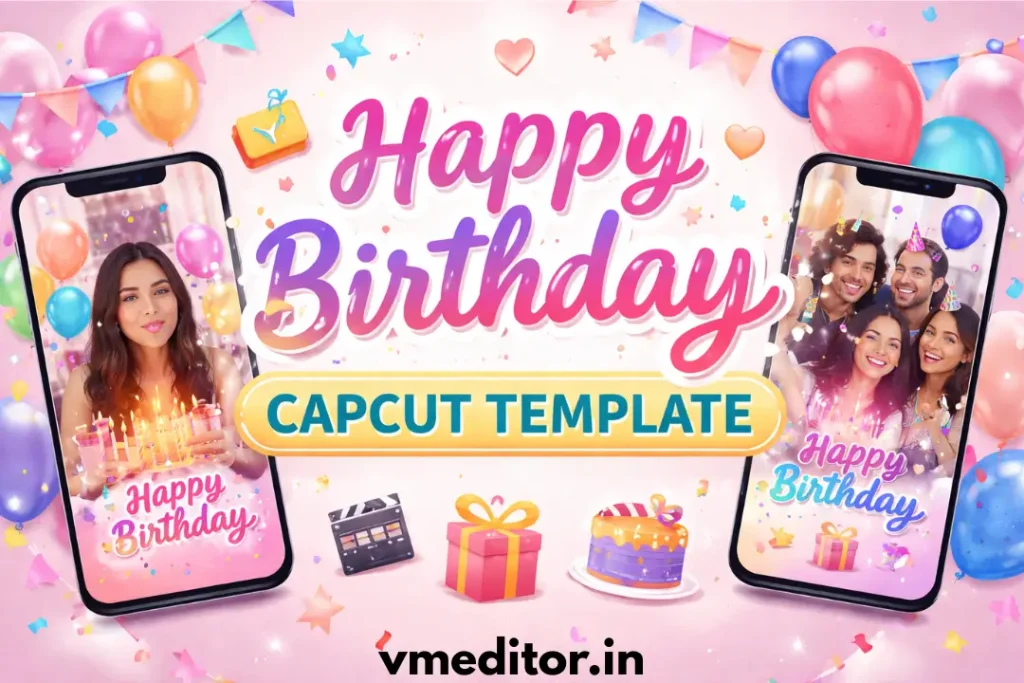
A happy birthday CapCut template is designed for birthday wishes. It may include balloons, cake effects, confetti, and fun text animations. Many templates follow trending styles from TikTok and Reels. Some templates look cute and playful. Others look clean and aesthetic. You can also find emotional styles for close friends or romantic styles for partners.
These birthday templates help beginners create pro-looking videos. You do not need editing skills. You only need the CapCut app and a few photos. Also try: Healing Thailand Capcut Template
Best Happy Birthday CapCut Templates (Top Picks)
There is no single “best” template for everyone. The best one depends on your goal and the person you are making the video for. Here are some templates that you can use.
Happy Birthday My Baby
This template fits sweet and emotional moments. It works well for sharing memories with soft music and smooth transitions. Add cute photos and a short message to make it feel warm and personal.
It’s great for partners or someone very close to you. Keep the video short and heartfelt.
Happy Birthday My Bestie
This style is fun, fast, and full of energy. It matches inside jokes, funny clips, and playful text. Use bright effects and trending music for a lively vibe.
Perfect for sharing on Instagram Reels or TikTok. It shows your bond in a cool way.
Happy Birthday My Little One
This template is cute and colorful. It suits kids’ birthdays with cheerful music and soft animations. Add baby photos and simple text to keep it joyful.
Parents love this style for sharing family moments. It feels warm and full of love.
Happy Birthday My Boy
This design feels cool and modern. It works well with bold text and clean transitions. Add photos that show fun moments and shared memories.
It fits birthdays for brothers, friends, or your partner. Keep the message simple and real.
Happy Birthday My Sister
This template blends emotion with style. Use it to show your favorite moments together. Soft effects and gentle music work best here.
It’s a nice way to share love and support on her special day.
Happy Birthday Love
This style is romantic and calm. It uses smooth cuts and soft tones to create a loving mood. Add a short message that feels honest and sweet.
It works great for partners and anniversaries too. Keep it personal and warm.
Happy Birthday My Friend
This template is casual and fun. It fits everyday moments, group photos, and short video clips. Use light effects and upbeat music.
It’s perfect for quick birthday wishes on social media. Simple, friendly, and real.
How to Use a Happy Birthday CapCut Template (Step-by-Step)
Creating a birthday video with CapCut is quick and easy. You only need a few photos and the right template to get started.
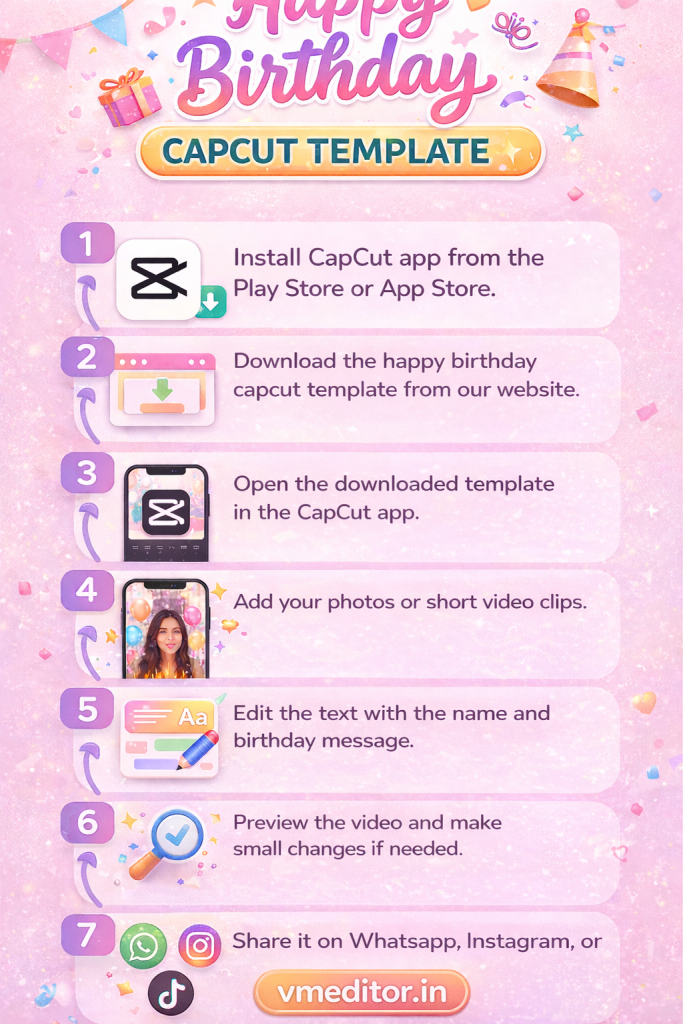
- First, Install CapCut app from the Play Store or App Store.
- Then, Download the happy birthday capcut template from our website.
- Open the downloaded template in the CapCut app.
- Add your photos or short video clips.
- Edit the text with the name and birthday message.
- Preview the video and make small changes if needed.
- Export the video in good quality.
- Share it on WhatsApp, Instagram, or TikTok.
Also check: How To Create Birthday Cake with Name & Photo Online
How to Choose the Best Birthday Template
Every birthday template is not fit for everyone. Kids enjoy bright colors and fun effects. Adults often prefer clean and simple styles. Teens like trendy music and fast cuts that feel modern.
Next, think about your relationship with the person. A funny template works well for friends. A soft and emotional style fits family members. Romantic templates are better for your partner or someone special.
Finally, consider where you will share the video. Vertical videos work best for TikTok and Instagram Reels. Short videos get more views on social media. Choose a template that fits for you and download it from our website to make videos.
Tips to Make Your Birthday Video Stand Out
A good birthday video feels personal and easy to watch. Small details can make your video look more special and memorable.
Conclusion
A happy birthday CapCut template makes video wishes fast and easy. With the right template, a few photos, and a short message, you can make a video that feels personal. Try different styles. Test what fits the person best.