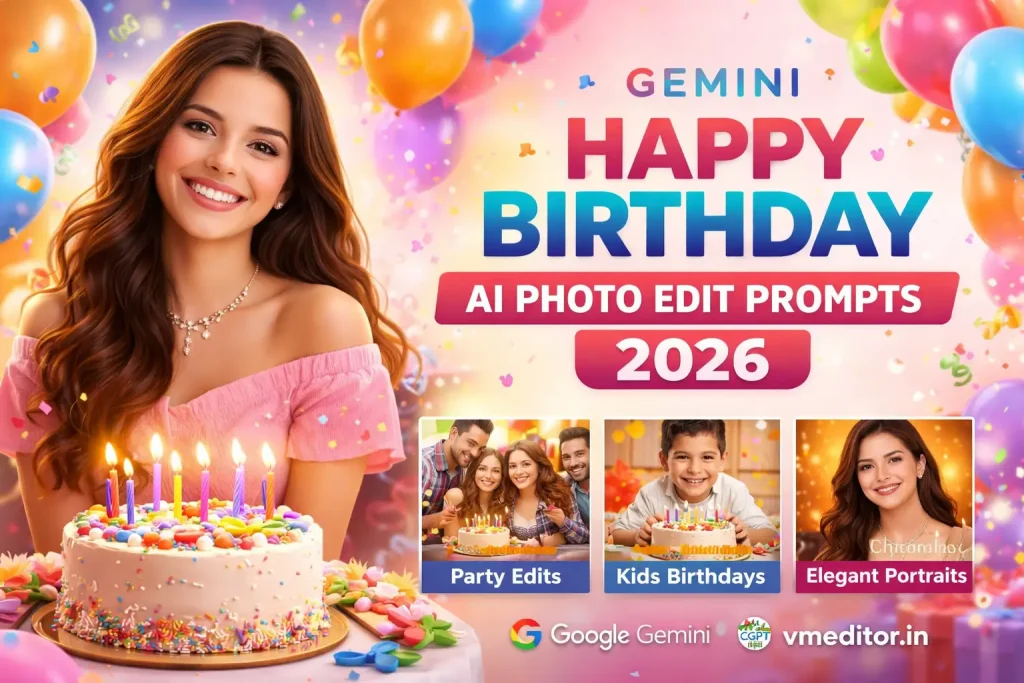
Gemini Happy Birthday AI Photo Edit Prompts 2026
Creating birthday photos has become fun and easy with AI. Tools like Google Gemini and ChatGPT help you turn simple pictures into beautiful birthday edits in seconds.
With the right prompts, you can add cakes, balloons, lights, and party scenes without using complex editing apps. This guide will help you create Happy Birthday AI photo edits that look clean, colorful, and realistic.
What is Gemini Happy Birthday AI Photo Editing?
Gemini Happy Birthday AI photo editing means using AI prompts to create or enhance birthday-themed images. You upload a photo, write a simple instruction, and the AI does the work.
These edits often include:
The goal is to make your photo look like a real birthday celebration.
How Gemini AI Understands Your Prompt
When you use Google Gemini, it studies your image carefully. It detects the face, background, and lighting. Then it applies your instructions step by step.
For example, if you ask for a party theme, the AI:
This is why AI-edited birthday images can look very real and professional.
Key Elements of a Perfect Birthday Edit
To get the best result, your prompt should include some important details. These details help AI understand your idea clearly.
When you combine these elements, your image becomes more attractive and meaningful.
Best Happy Birthday AI Prompts (More Examples)
Here are more powerful prompts you can use:
Outdoor Birthday Scene
Create an outdoor birthday celebration.
Add balloons tied to trees and a table with cake.
Use natural sunlight and soft shadows.
Keep the face clear and realistic.
Luxury Birthday Style
Create a luxury birthday photo.
Add golden balloons and elegant cake.
Use soft warm lighting and clean background.
Make it look premium and high quality.
Friends Celebration Scene
Create a birthday party with friends.
Add people in background smiling and clapping.
Include confetti and colorful lights.
Keep main subject in sharp focus.
Minimal Clean Birthday Edit
Create a simple birthday edit.
Add a small cake and soft background.
Use light colors and minimal design.
Keep the image clean and modern.
How to Make Your Birthday Edits More Attractive
If you want your images to stand out, focus on small details. AI follows your instructions, so better input gives better output.
Keep in mind:
These small improvements make your image look professional. Also Check Happy Birthday CapCut Template
Advanced Prompt Writing Tips
Once you understand basic prompts, you can improve your results by refining your instructions.
Try this approach:
This structure helps AI generate better and more consistent images.
Common Mistakes Beginners Make
Many users don’t get good results because of small mistakes. These mistakes are easy to fix.
Avoid:
Clear and simple prompts always work best.
Where You Can Use These Birthday Images
AI birthday edits are useful in many ways. You can use them to make your posts more special.
Popular uses include:
These images help you express emotions in a creative way.
Future of Birthday AI Photo Editing
AI tools like Google Gemini are improving quickly. In the future, you will be able to:
This means photo editing will become even easier and faster.
Conclusion
Gemini Happy Birthday AI photo editing prompts give you a simple way to create beautiful and memorable images. With tools like ChatGPT and Google Gemini, you don’t need editing skills to get professional results.
The key is to write clear prompts, use natural details, and avoid too many effects. With a little practice, you can create birthday images that look clean, bright, and full of joy.