🇮🇳 Gemini AI Republic Day Photo Editing Prompt 2026: Create Stunning 26 January AI Images Instantly
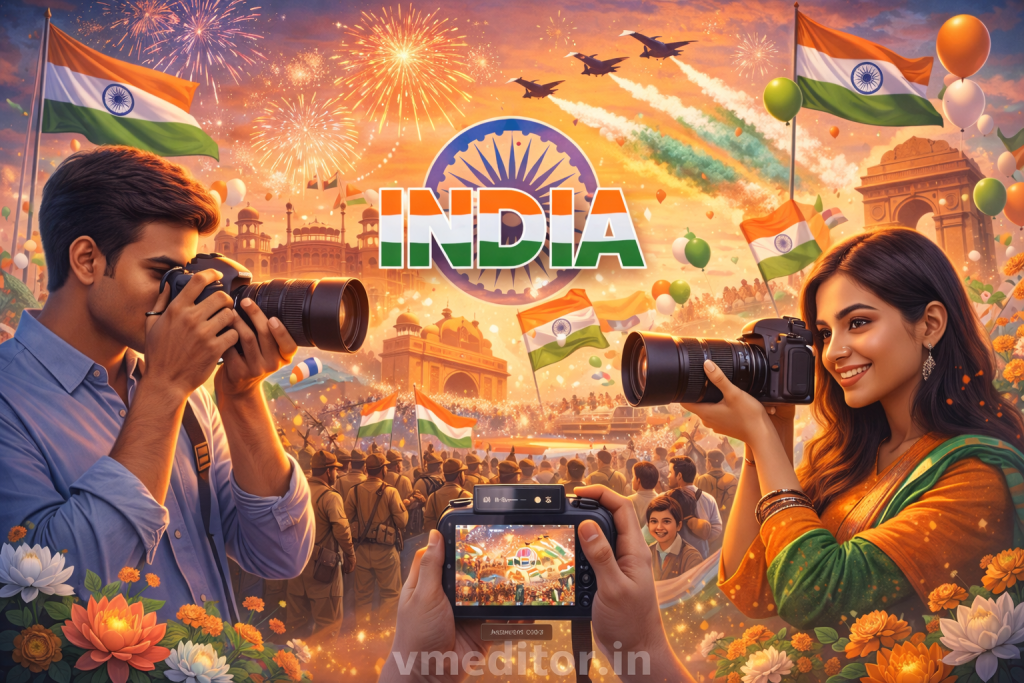
Republic Day is not just a date. It is a feeling. Every year on 26 January, people love sharing patriotic photos on social media, WhatsApp, and profile pictures. Now, with Gemini AI, creating Republic Day photo edits has become faster, cleaner, and much more creative. You no longer need complex editing apps or design skills. A simple AI prompt can turn an ordinary photo into a powerful patriotic image.
This guide explains how to use Gemini AI Republic Day photo editing prompts, what kind of prompts work best for 26 January, and how you can create eye-catching AI images that stand out.
What Is Gemini AI Republic Day Photo Editing?
Gemini AI Republic Day photo editing means using Gemini AI prompts to create or enhance images with a Republic Day theme. Instead of manually adding flags, backgrounds, or text, you describe your idea in words. Gemini AI then generates or edits the image based on that description.
This method is popular because it saves time and still gives professional-looking results. Many users now use Gemini AI to design 26 January DP images, patriotic posters, and social media visuals within minutes.
Why Use Gemini AI for 26 January Photo Editing?
People prefer Gemini AI for Republic Day edits because it is simple and flexible. You can control colors, mood, background, clothing, and symbols using just text. Even beginners can create strong visuals without learning editing tools.
Another reason is consistency. Gemini AI understands national symbols like the Indian flag, Ashoka Chakra, and tricolor theme very well. This helps generate images that feel respectful and meaningful instead of random or messy.
How Gemini AI Republic Day Prompts Work
A Gemini AI prompt is a short instruction that explains what you want in the image. The clearer the prompt, the better the result. For Republic Day photo editing, prompts usually include:
- Patriotic background
- Indian flag elements
- Traditional or modern Indian attire
- 26 January text
- Soft lighting or cinematic look
Gemini AI reads the prompt and applies these elements automatically. You can regenerate or tweak the prompt until the image looks right.
Best Gemini AI Republic Day Photo Editing Prompts for 26 January
Below are ready-to-use Gemini AI prompts you can copy and use directly.
Prompt for Republic Day Profile Picture
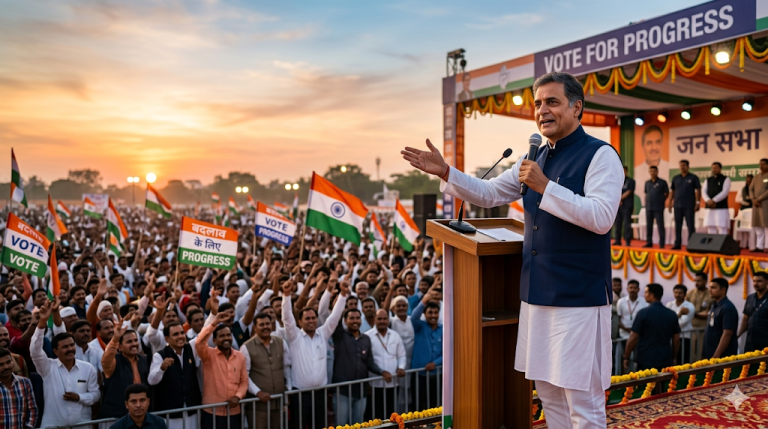
“Create a realistic Republic Day photo of a young Indian person standing proudly, Indian tricolor background, Ashoka Chakra behind, soft lighting, cinematic style, high detail, 26 January Republic Day theme”
Prompt for 26 January WhatsApp DP
“Edit this photo into a patriotic Republic Day image with Indian flag colors, clean background, confident pose, natural skin tone, professional photo look, Republic Day celebration”
Prompt for Republic Day Poster Style Image
“Design a Republic Day themed photo with bold Indian tricolor waves, Ashoka Chakra center, dramatic lighting, high resolution, modern patriotic poster style”
Prompt for Kids Republic Day Photo
“Create a cute Republic Day image of an Indian child holding the national flag, smiling, bright colors, clean background, joyful mood, 26 January theme”
Prompt for Minimal Republic Day Edit
“Generate a simple and elegant Republic Day photo edit with white background, subtle tricolor lighting, Ashoka Chakra watermark, soft shadows, premium look”
Tips to Get Better Results with Gemini AI Republic Day Prompts
First, always keep your prompt clear and specific. Avoid writing long confusing sentences. Simple instructions work better.
Second, mention the mood you want. Words like proud, calm, joyful, or bold help Gemini AI understand the emotion.
Third, regenerate the image if needed. AI results improve when you try small changes in the prompt.
Lastly, keep the design respectful. Republic Day visuals should feel clean and meaningful, not overcrowded.
Common Mistakes to Avoid in Republic Day AI Photo Editing
Many people add too many elements in one prompt. This often leads to cluttered images. Stick to one main idea.
Another mistake is ignoring lighting. Always mention soft light or natural light for better realism.
Avoid low-quality prompts like “make it patriotic.” Instead, describe what patriotic means in visual terms, such as flag colors or national symbols.
Where Can You Use Gemini AI Republic Day Images?
You can use these images in many places:
- WhatsApp profile pictures
- Instagram posts and stories
- Facebook banners
- Republic Day posters
- School or office greetings
- Digital invitations
Because Gemini AI images look polished, they work well across platforms.
Why Gemini AI Is Trending for Republic Day Photo Editing
The biggest reason is speed. What used to take hours now takes minutes.
Another reason is accessibility. Anyone with basic typing skills can create quality visuals.
Finally, Gemini AI understands cultural themes well, which makes Republic Day images look natural instead of artificial.