Avee Player Template | Create Stunning Music Visualizers
Music is more than sound it’s an experience that can be felt, seen, and shared. Avee Player Templates help you turn your favorite tracks into visually stunning creations quickly and easily. They are designed for both beginners and advanced users, allowing anyone to make professional-looking music visualizers without complex software or technical skills.
What is an Avee Player Template?
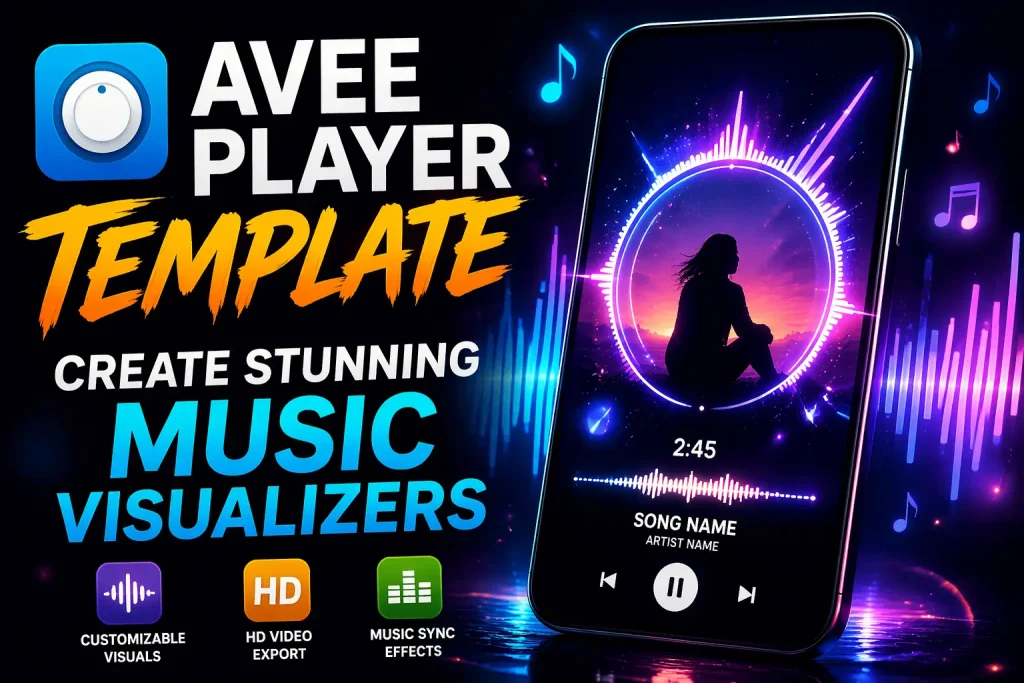
An Avee Player Template is a pre-designed project file for the Avee Music Player app. Think of it as a blueprint for creating dynamic music visualizations. These templates include pre-set animations, color schemes, waveform styles, and sometimes lyrics displays.
For example, some templates feature colorful RGB waveforms that move with the beat, while lyric templates automatically sync song text with your audio. Templates save time, offer professional effects, and make it easier to produce engaging music videos.
Benefits of Using Templates
- Speed up the creation process and avoid starting from scratch.
- Access professional-level visual effects without editing experience.
- Maintain style consistency across multiple projects.
- Make music videos visually appealing for platforms like YouTube, TikTok, and Instagram.
Types of Avee Player Templates
Avee Player Templates come in various styles for different creative needs:
- MP4 Visualizers: Export-ready templates ideal for YouTube, Instagram, and TikTok.
- RGB Waveform Templates: Vibrant animations that move to the beat, perfect for electronic and energetic music.
- Lyric-Based Templates: Display song lyrics in sync, great for sing-along videos and karaoke content.
- Animated Spectrum Templates: Bars and waves that respond to audio in real-time, adding dynamic energy to any track.
- Pixel and Wave Effects Templates: Retro or artistic visual effects for lo-fi or experimental music.
How to Use Avee Player Templates
Using templates is simple and beginner-friendly.
- Download Template Files: Find free or premium templates online. Ensure compatibility with your app version.
- Import into Avee Player: Open the app and import the
.vefile for full editing, or.mp4for ready-to-export visuals. - Customize Visuals: Adjust colors, waveforms, text animations, and backgrounds to match your music style. Soft songs may use pastel colors, while upbeat tracks can have bright RGB effects.
- Add Lyrics or Animations: Import lyrics if supported, or add extra animations like glowing bars, moving text, or animated shapes.
- Export Your Project: Save as MP4 to share on social media or video platforms.
Templates allow anyone to transform a simple audio track into a visually impressive music video in minutes.
Advanced Customization
Avee Player Templates offer plenty of room for creativity. You can synchronize animations to the beat, layer multiple effects for richer visuals, and use gradient or RGB color transitions to make the visualizer pop. Animated text can enhance lyric videos, while adding personal images or looping backgrounds gives a unique style. Even with simple templates, these small adjustments can create highly engaging content. You can also try our Skull Emoji CapCut Template.
Creative Ideas for Templates
Templates aren’t limited to music videos—they can be used in many creative ways:
- Short social media loops for TikTok or Instagram Reels.
- Lyric videos or karaoke clips for personal or public use.
- Visualizers for remixes, electronic tracks, or instrumental music.
- Personalized playlists or event videos for birthdays, weddings, or parties.
By experimenting with different templates and effects, you can make content that matches your style and music genre.
Best Practices
When working with templates, keep a few things in mind.
- Match the template style to the song: smooth waveforms for calm music, bright flashing effects for upbeat tracks.
- Optimize resolution for your platform: 720p for mobile, 1080p or higher for YouTube and PC.
- Manage file size to avoid performance issues on mobile devices.
- Save custom templates to reuse or tweak in future projects, ensuring a consistent visual style.
Common Issues and How to Solve Them
Even though templates are beginner-friendly, you may face some issues:
- Some templates may not work on older versions of Avee Player. Updating the app usually solves this.
- Export quality may be low if resolution or bitrate settings are too low.
- Certain effects may be locked and require alternative templates or creative workarounds.
- Large or heavily animated templates can slow down older Android devices.
Being aware of these issues helps avoid frustration and ensures smoother editing.
Where to Find Avee Player Templates
A variety of resources offer templates:
- YouTube Channels: Many creators upload free templates with download links.
- Template Websites: Dedicated sites host free and premium templates, often organized by style and genre.
- Communities and Forums: Platforms like Reddit, Discord, or Facebook groups share templates and tips.
- Premium Templates: Offer advanced effects, high resolution, and exclusive designs.
Exploring these sources allows you to find templates suitable for any type of music or visual style.
Conclusion
Avee Player Templates make music visualization accessible, creative, and fun. By choosing the right template, customizing colors, waveforms, and text effects, and exporting properly, anyone can produce professional-looking music videos. From YouTube visualizers and TikTok clips to lyric videos and personalized playlists, templates bring audio to life visually, making your content stand out.