AI Aesthetic DP Photo Editing Prompt 2026
If you want a trending, eye-catching display picture (DP) without learning Photoshop or complex editing apps, AI prompt-based editing is your best option. With the right prompt, lighting instructions, and composition details, you can transform a normal selfie into a cinematic, neon-lit, ultra-stylish profile photo in seconds.
This guide explains everything from prompt engineering to tool selection, style categories, optimization tips, risks, and best practices.
What Is AI Aesthetic DP Photo Editing?
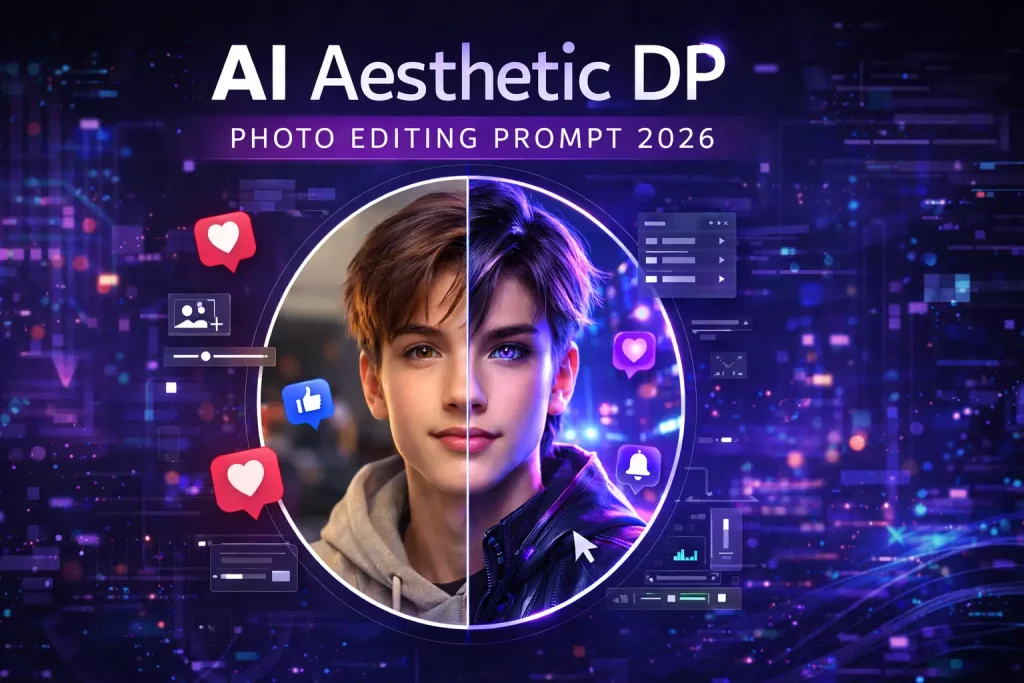
An AI aesthetic DP is a profile picture enhanced or transformed using artificial intelligence through descriptive text prompts. Instead of manually adjusting lighting, contrast, or background, you tell the AI what you want — and it generates the look automatically.
Components of an AI Aesthetic DP:
- Stylized lighting (neon, cinematic, soft glow)
- Enhanced facial clarity
- Artistic background effects
- Color grading (monochrome, cyberpunk, warm tones)
- Circular crop composition (social-media friendly)
A professional, visually striking display picture optimized for platforms like social apps and gaming profiles.
How AI Prompt-Based Editing Works
AI image editors use machine learning models trained on millions of photos. When you upload your selfie and enter a prompt, the system interprets descriptive words like:
- “cinematic lighting”
- “cyberpunk neon glow”
- “ultra realistic portrait”
- “soft skin texture”
- “dramatic shadows”
The AI then modifies your image accordingly.
Basic Workflow:
- Upload a high-quality selfie
- Enter a detailed prompt
- Adjust style settings (if available)
- Generate the image
- Download and crop for DP use
Best AI Aesthetic DP Prompt
Universal High-Quality Prompt:
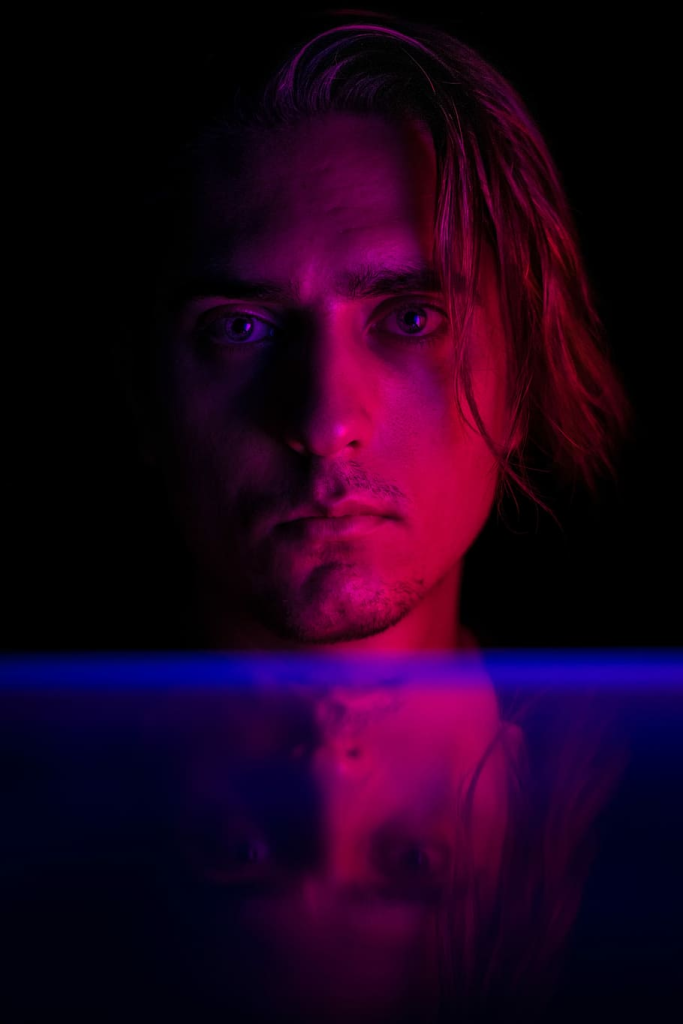
Create a high-resolution circular profile picture of a confident person with cinematic neon purple and blue lighting, soft skin detail, sharp focus, glowing background, dramatic shadows, subtle grain texture, futuristic cyberpunk aesthetic, ultra-realistic, centered composition, 4K quality.
You can modify:
- Color (red, green, orange neon)
- Mood (dark, minimal, soft aesthetic)
- Background (blurred city, abstract glow, gradient)
Popular Aesthetic Styles You Can Try
Neon Cyberpunk
Bright glowing purple or blue lighting. Futuristic vibe.
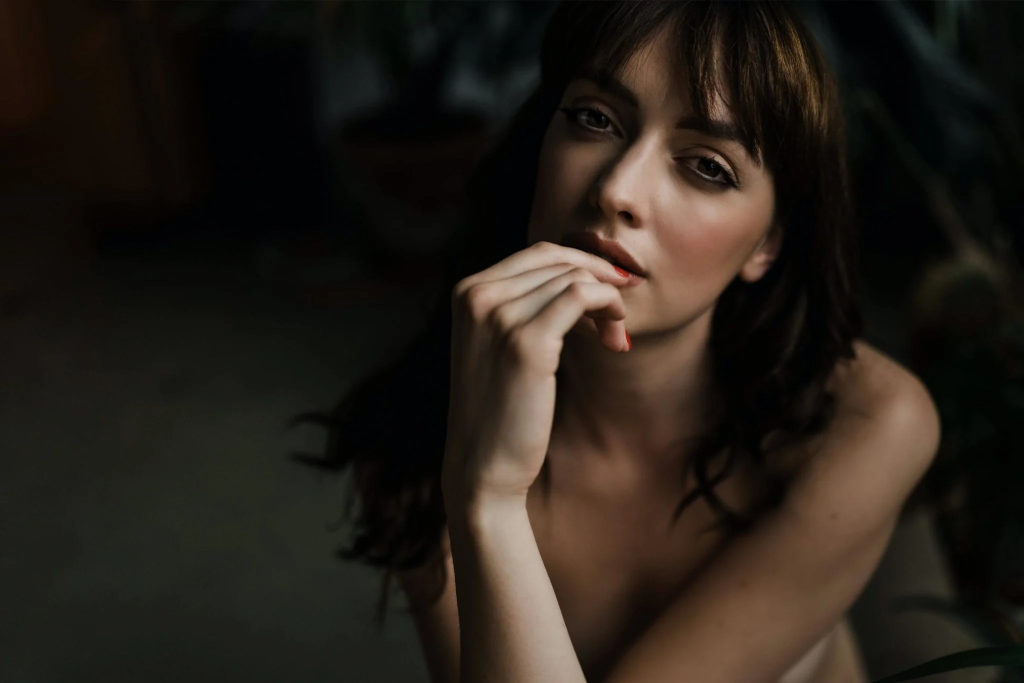
Dark Aesthetic
Low light, dramatic shadows, moody expression.
Minimalist Clean Look
Neutral background, soft natural lighting.
Anime / Stylized Avatar
Cartoon-inspired artistic transformation.
Each style attracts different audiences depending on your personality and social branding.
Best Practices for a High-Quality AI DP
Start With a Clear Photo
- Good lighting
- No heavy blur
- Neutral facial expression
Keep Prompts Structured
Include:
- Lighting
- Mood
- Style
- Quality level (HD, 4K)
- Composition (centered, circular)
Avoid Overloading Effects
Too many instructions can distort your face.
Always Check Face Accuracy
AI can sometimes alter facial structure. Regenerate if needed.
Benefits of AI Aesthetic DP Editing
AI aesthetic DP editing has become popular because it allows anyone to transform an ordinary photo into a striking, professional-looking profile picture without technical skills. It combines automation with creative control, giving you results that previously required advanced editing knowledge.
Conclusion
AI aesthetic DP editing is more than just a trend — it’s a fast way to upgrade your digital identity. With the right prompt structure, high-quality photo, and proper tool selection, you can create a professional, viral-worthy display picture in minutes.