Lofi Dusk AI Photo Editing Prompts | ChatGPT Prompt 2026
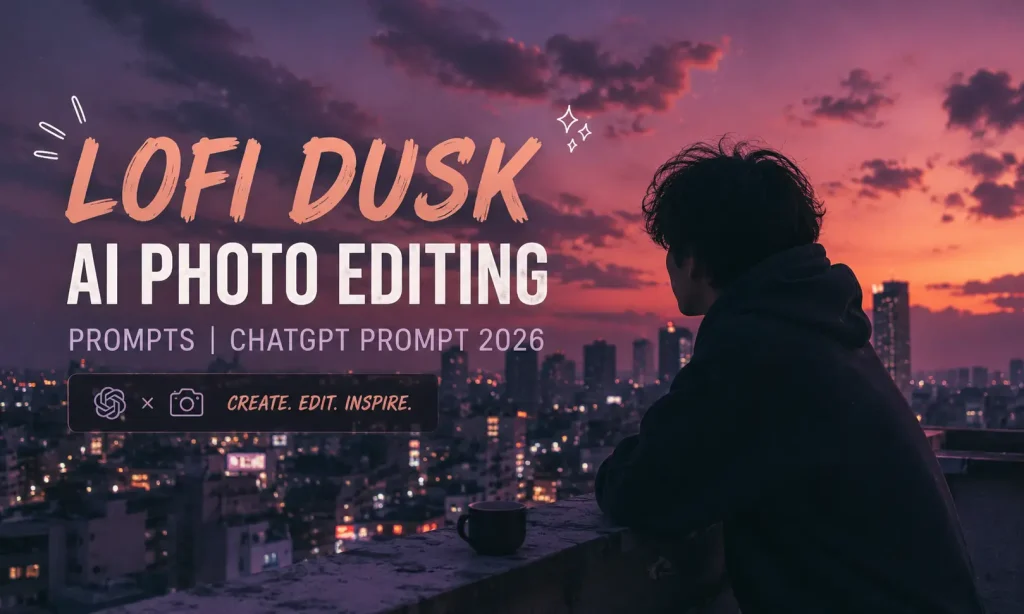
If you have been scrolling through Instagram lately, you have probably stopped on a photo that looks different from everything else. It has a dark, moody background, a soft glowing light outlining the person, warm peachy skin tones, and a grainy film texture that feels like a memory from the early 2000s. That is the Lofi Dusk aesthetic, and it is one of the biggest AI photo editing trends of 2026.
The good news is that you do not need a professional camera or a photo editing degree to achieve this look. With the right AI prompt and a tool like Google Gemini or ChatGPT, you can transform any ordinary photo into a cinematic lofi dusk portrait in seconds.
In this article, you will get the best Lofi Dusk AI photo editing prompts, a step-by-step tutorial, and tips to make your output look as close to the viral Instagram filter as possible.
What Is the Lofi Dusk Aesthetic?
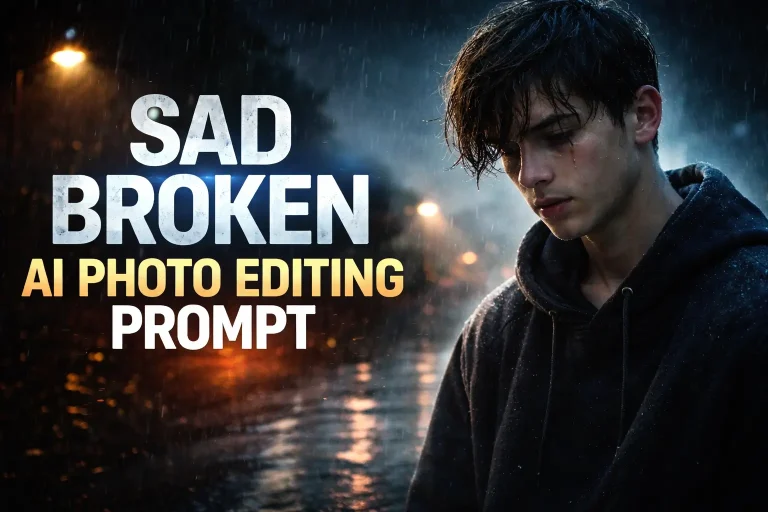
Lofi Dusk is a photo editing style inspired by early 2000s digital cameras, late-night photography, and the warm, grainy feeling of old Y2K photos. The key elements that define this look are a dark, atmospheric background, a glowing rim or backlight that outlines the subject, realistic film grain, warm peachy skin tones, and a cinematic depth that makes the photo feel emotional and personal.
This style first went viral because of an Instagram filter that was not available to everyone. Creators quickly discovered that AI tools could replicate and even improve on that filter by using detailed text prompts. Now, millions of people are using Gemini and ChatGPT prompts to recreate this look on their own photos. You can get all types of Photo Editing Prompts on VM Editor.
Why This Trend Is Going Viral in 2026
The Lofi Dusk style hits a very specific emotional note. It feels nostalgic but modern at the same time. The dark background and glowing rim light make the subject look cinematic and dramatic, while the film grain and faded tones give it a personal, diary-like warmth. It is the kind of photo that makes people stop scrolling.
It also works on almost any photo, whether you are at home, outdoors, or in a crowded place. The AI replaces or enhances the background while keeping your face and outfit exactly the same. That is what makes it so powerful and so easy to use.
Which AI Tool Is Best for Lofi Dusk Editing?
Both Google Gemini and ChatGPT produce great results for this style, but they work slightly differently.
ChatGPT with image generation is currently producing the most accurate Lofi Dusk results, especially for the glowing rim light and film grain texture. The outputs feel more editorial and closer to the original Instagram filter style.
Google Gemini is excellent for face preservation and realistic skin tones. If keeping your face 100% identical is the priority, Gemini handles that very well. For the best results, use Gemini Advanced or the Pro model.
The prompts in this article are written to work well on both tools. You can copy and test them on either platform.
How to Use These Prompts (Step-by-Step)
Getting started is simple and takes less than two minutes.
- Step 1 Open ChatGPT and sign in.
- Step 2 Click the image or attachment icon and upload a clear, well-lit photo of yourself. Make sure your face is fully visible and the image is not blurry.
- Step 3 Copy any prompt from the list below that matches the style you want.
- Step 4 Paste the prompt into the text box alongside your uploaded photo and press Enter.
- Step 5 Review the output. If the result is not exactly what you wanted, try a different prompt or add more specific details about your outfit or background.
- Step 6 Download your final image and share it on Instagram or TikTok using 9:16 aspect ratio for Reels.
Best Lofi Dusk AI Photo Editing Prompts 2026
Below you will find seven carefully crafted prompts organized by mood and style. Each one is ready to copy and paste.
Classic Lofi Dusk Portrait Prompt (Most Viral)
Transform the uploaded image into a cinematic Lofi Dusk Instagram aesthetic portrait. Keep the face, outfit, pose, hairstyle, and body proportions 100% identical to the uploaded photo. No reshaping, no beautification, no AI smoothing. Preserve realistic skin pores and natural identity. Main atmosphere: dark moody nighttime environment with deep muted cinematic tones. Background fading naturally into near-black shadows with soft bokeh lights and faint silhouettes giving a dreamy dusk vibe. Lighting: powerful glowing backlight positioned directly behind the subject creating an intense white rim light outlining the hair strands, shoulders, arms, and clothing edges. Add a soft luminous aura around the body edges. Glow should feel atmospheric and cinematic, not fantasy or neon. Include realistic bloom diffusion and halation around brighter areas. Camera style: shot like an editorial portrait on an 85mm DSLR lens with flash photography, shallow depth of field, high contrast. Texture: authentic vintage digital-camera texture, visible fine film grain, low-light sensor noise, faded blacks, muted dark tones, nostalgic Y2K lofi mood. Style keywords: Instagram Lofi Dusk filter, cinematic flash photography, night portrait, grainy aesthetic, soft bloom, rim light glow, analog digital camera texture, moody dusk tones, photorealistic, ultra detailed, 4K. Aspect ratio 9:16.
Glowing Body Aura Lofi Prompt
Use the uploaded image as the only reference. Preserve the exact same real person including face, hairstyle, skin tone, outfit, body proportions, pose, expression, and accessories completely unchanged. No reshaping or beautification. Style: Lofi Dusk cinematic night portrait. Apply high contrast cinematic lighting with warm peachy skin tones, soft highlights, deep shadows, and slight overexposed glow on white or light clothing. Realistic low-light ambience. Add authentic vintage digital-camera texture: visible fine film grain, low-light sensor noise, faded blacks, muted dark tones, soft contrast, slight haze, and nostalgic Y2K lofi mood. Background should remain blurry, dark, and atmospheric with faint silhouettes, soft bokeh lights, and ambient dusk tones. Keep the image ultra realistic and cinematic, like an editorial night portrait captured on an 85mm DSLR lens with flash photography. Style keywords: glowing body aura, cinematic rim light, bloom glow, halation effect, soft flash diffusion, dreamy silhouette glow, Instagram Lofi Dusk filter, CCD camera aesthetic, grainy night portrait, moody dusk tones, realistic skin texture, shallow depth of field, photorealistic, ultra detailed, 4K.
Soft Bloom Lofi Dusk Prompt
Transform the uploaded photo into a soft bloom Lofi Dusk aesthetic portrait. Keep face, body, outfit, and expression 100% identical. No alterations. Atmosphere: deep cinematic night scene, dark muted background with barely visible silhouettes and ambient city lights softly blurred in the distance. Lighting: soft front flash combined with gentle rim backlight. Add soft bloom and halation around highlights. Warm skin glow with peachy undertones. Subtle lens flare on one side. Texture: fine film grain throughout the image, low-light digital camera noise, faded blacks, slightly desaturated shadows, nostalgic early 2000s CCD camera feel. The overall mood should feel emotional, quiet, and cinematic like a candid night photo taken by a friend. Shot style: 85mm DSLR, shallow depth of field, editorial flash photography, ultra realistic, 4K, 9:16 aspect ratio.
Y2K Night Portrait Lofi Prompt
Edit the uploaded photo into a Y2K-inspired Lofi Dusk night portrait. Face and full identity must remain 100% unchanged. Preserve skin texture, natural asymmetry, and realistic human depth. Do not smooth or beautify. Atmosphere: moody late-night urban setting. Dark background with warm amber and orange bokeh from distant streetlights. A slight warm color cast in the shadows giving a nostalgic 2000s digital photograph feeling. Lighting: direct flash from the front creating that classic late-night party photo look, combined with a soft glowing rim light from behind outlining the shoulders and hair. Slight overexposure on the face and clothes, just like an old point-and-shoot camera. Texture: heavy visible film grain, CCD sensor noise, chromatic softness on edges, muted blacks, faded dark tones, analog warmth. The photo should look like it was taken on a cheap digital camera at a night event in 2003. Ultra realistic, photorealistic, 4K, aspect ratio 9:16.
Cinematic Backlit Silhouette Lofi Prompt
Transform the uploaded image into a cinematic backlit Lofi Dusk portrait. Strict face and identity preservation: same face, same outfit, same pose, same expression, no alteration, no beautification, no AI reinterpretation. Style and atmosphere: deep cinematic dusk scene with a near-black background. Strong glowing backlight positioned directly behind the subject creating a powerful rim light that outlines the entire body including hair strands, shoulders, hands, and clothing edges from head to toe. A soft luminous atmospheric aura wraps around the body edge. Add subtle mist and haze around the glow. The front of the face and body receives soft, low-power flash fill light so features remain visible. The contrast between the backlight and dark background creates a dramatic editorial mood. Texture: fine film grain, low-light sensor noise, muted dark shadows, faded blacks, slight chromatic softness. Camera: 85mm DSLR editorial portrait, shallow depth of field, cinematic color grading, high contrast lighting, ultra realistic, photorealistic, 4K, 9:16 vertical format.
Tips for the Best Lofi Dusk Results
Which Lofi Dusk Prompts Are Getting the Most Engagement?
Based on current trends across Instagram and TikTok, the Classic Lofi Dusk Portrait Prompt (Prompt 1) and the Full Detail Face-Lock Prompt (Prompt 7) are getting the most shares and saves. The classic prompt produces results closest to the original Instagram filter, while the face-lock prompt is the favourite among creators who want their identity to remain perfectly preserved.
The Y2K Night Portrait Prompt (Prompt 4) is gaining popularity fast among creators going for that specific early 2000s disposable-camera party photo look, which has been a growing aesthetic trend across Pinterest and TikTok throughout 2026.
For maximum engagement, post your lofi dusk portrait as an Instagram Reel or TikTok video showing the before and after transformation. Use hashtags like #LofidDusk #AIPhotoEditing #GeminiAI #ChatGPTEditing #LofiAesthetic #CinematicPortrait for better reach.
Conclusion
The Lofi Dusk aesthetic is one of the most beautiful and emotional photo editing styles trending in 2026, and with the prompts in this article, anyone can achieve it. You do not need any editing skills or expensive software. Just upload your photo, copy a prompt, and let AI do the rest.
Whether you prefer the classic cinematic rim light look, the Y2K party flash feel, or the full detail face-lock version, there is a prompt here for every style. Start experimenting today and create your own lofi dusk portrait that is ready to stop people mid-scroll.