VM Editor vs Other Editors
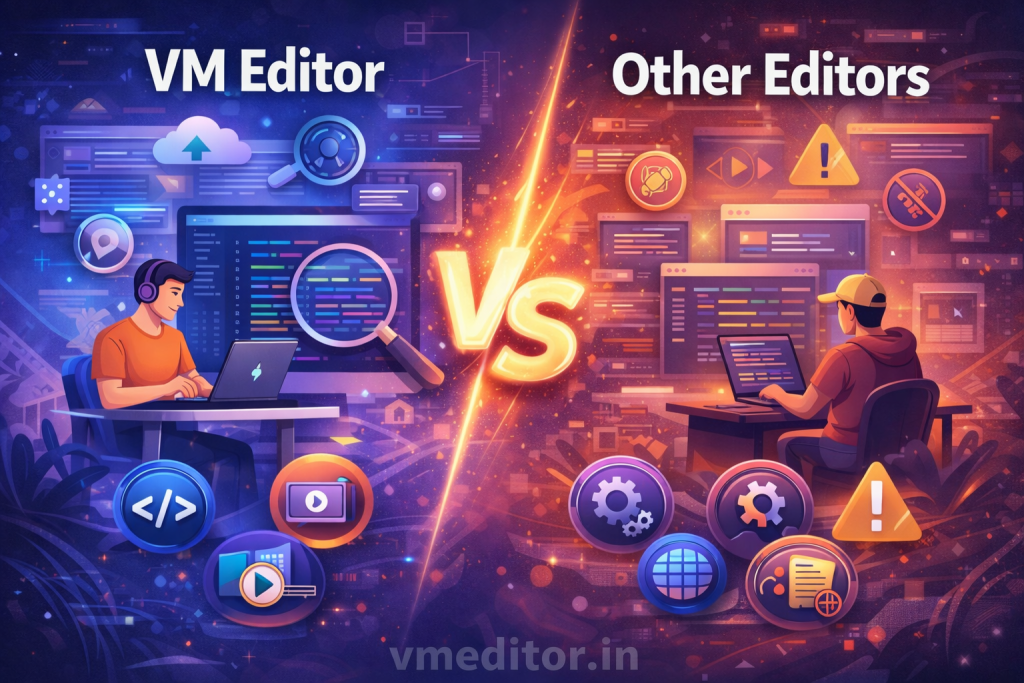
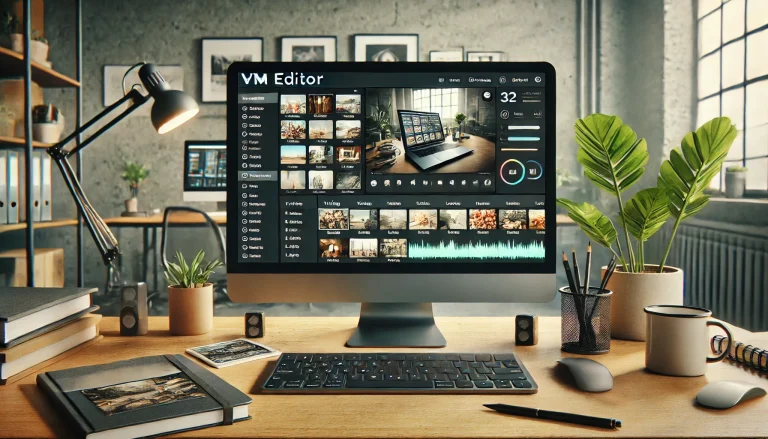
VM Editor is a simple online tool for editing photos and visual content, while many other editors are heavier tools with many features. The main difference is that VM Editor focuses on ease of use, while many other editors focus on advanced controls.
If you want quick edits without learning complex steps, VM Editor makes the work easier. Other editors may require hours of practice before users feel comfortable. This simple vs advanced split is the first key difference.
How VM Editor Works Compared to Desktop Editors
VM Editor works in a browser, so there is no need to install software on your device. You visit vmeditor.in, upload an image, edit it, then download the result. This workflow reduces storage use and setup time.
Many desktop editors require installation and updates, which can take time and device space. They also need stronger computers to run smoothly. VM Editor avoids these challenges by working in the browser.
This makes VM Editor more accessible for users with older devices or limited storage.
Speed and Ease of Use
VM Editor is built for speed and simplicity. Users can start editing right away, even if they have never used editing tools before. The tools are labeled clearly, and the process is easy to follow.
Other editors may offer many features, but this often slows down the user experience. When menus are busy with options, beginners may feel confused. VM Editor keeps only the necessary tools so users can focus on simple edits.
This difference in complexity is a big reason why many people choose VM Editor over more advanced editors.
Editing Focus: Practical vs Advanced
VM Editor focuses on everyday editing tasks like crop, resize, brightness, contrast, and basic adjustments. These tasks cover most needs for students, bloggers, creators, and small business owners.
Other editors often include advanced tools like layers, masks, animation timelines, special effects, and detailed color curves. These tools are powerful, but many users never need them. This makes VM Editor a practical choice for everyday use.
When users do not need heavy features, they can finish work faster with VM Editor.
Accessibility and Device Support
VM Editor works on most devices with a browser. Users can edit from desktops, laptops, tablets, or supported smartphones. There is no need for specific hardware or extra software.
Many traditional editors work only on certain devices. Some tools are desktop-only or require strong processors. VM Editor’s browser-based design means more users can access it easily.
This accessibility is a strong point when comparing VM Editor with other tools.
Learning Curve
VM Editor has a minimal learning curve. Users do not need training because the tools are self-explanatory. This suits beginners and people who want fast edits with little study.
Other editors often require tutorials, practice, or long reading. They may offer greater control, but this comes with a learning cost. Many people find VM Editor easier and faster to get started with.
This simplicity saves time and reduces frustration.
Output Quality
VM Editor produces clean, clear results for common editing needs. Cropped photos, resized images, and brightness adjustments look stable and ready to share.
Other editors may provide more detailed output when used by advanced users. For example, they may handle fine color grading or multi-layer designs. Yet, for most day-to-day tasks, VM Editor delivers results that meet user goals.
This makes it a good choice for everyday editing.
Cost and Access
VM Editor is free to start and works online. Users do not need to pay for a license or subscription to begin editing. This can be helpful for students and small businesses.
Many premium editors require payment or subscriptions. They may offer free trials, but full access often costs money. VM Editor removes this barrier and lets users focus on editing.
This cost advantage makes VM Editor appealing for budget-conscious users.
When to Use VM Editor vs Other Editors
Use VM Editor when you want:
- Quick photo edits
- Basic adjustments
- Online access without installation
- Simple and clear tools
Use other editors when you need:
- Advanced effects
- Layer control
- Specialized tools
- Professional level editing
Both types of tools serve different user needs. VM Editor fits everyday tasks with speed and ease. Other editors fit deeper technical control.
Final Comparison View
In general, VM Editor wins on:
- Ease of use
- Fast editing
- Browser access
- Low learning time
- Quick results
Other editors win on:
- Advanced features
- Complex control
- Professional effects
- Detailed adjustments
This difference helps users choose the right tool based on their editing needs.
Final Words
VM Editor is a practical and friendly solution for online photo editing that most users can learn quickly. It is ideal for everyday tasks without confusion. Other editors are powerful but require more time and skill.
This comparison helps users match their editing goals with the right tool. VM Editor fits speed and simplicity, while other editors fit advanced control.