VM Editor Features Explained Simply
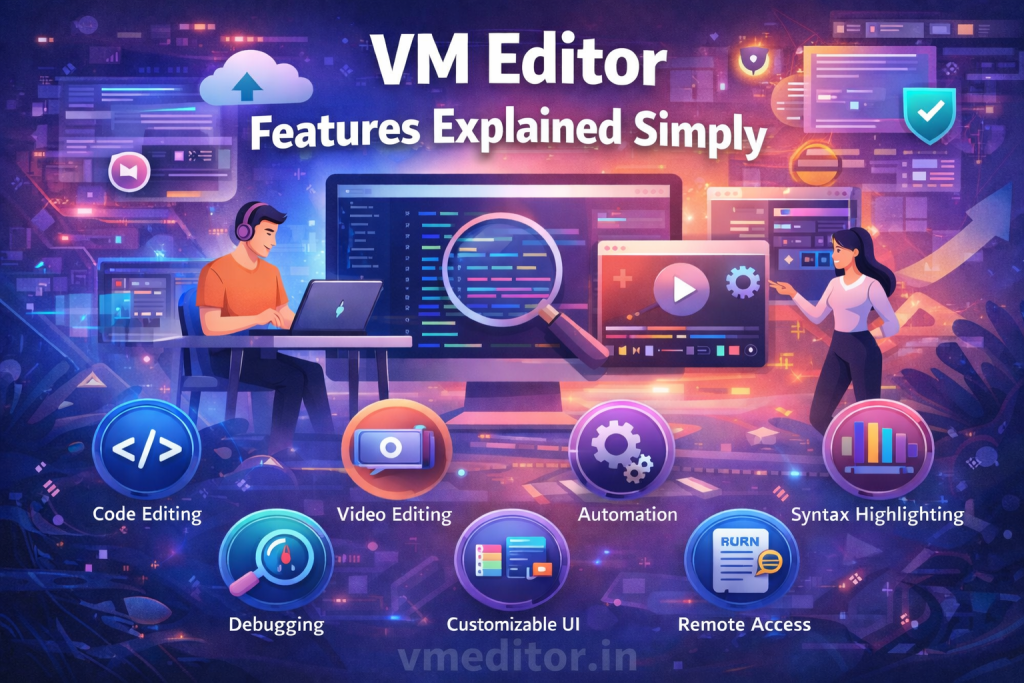
VM Editor offers a set of features that help users edit photos and visual content without confusion. The platform is built to keep editing simple, fast, and accessible for all users.
Each feature in VM Editor is designed to solve a basic editing need. Instead of adding many tools that confuse users, VM Editor focuses on the most useful ones.
Online Photo Editing Feature
VM Editor allows users to edit photos directly online using a browser. There is no need to download software or install applications.
This feature helps users start editing instantly. You upload a photo, make changes, and download the result. The process stays smooth from start to end.
Online access also means users can edit photos from different devices without setup issues.
Easy Upload and Workspace Layout
One key feature of VM Editor is its simple upload system. Users can add images from their device in just one step.
Once uploaded, the photo opens in a clean workspace. All tools are visible and easy to understand. This layout helps users focus on editing instead of searching for options.
The workspace design supports beginners and regular users equally.
Crop and Resize Tools
VM Editor includes crop and resize tools that help users adjust image size and focus. These tools are useful for preparing images for websites or social platforms.
The crop tool removes unwanted parts of a photo. The resize tool helps change image dimensions without losing clarity.
Both tools respond quickly and give users control over image framing.
Brightness and Contrast Adjustment
VM Editor provides brightness and contrast controls to improve image visibility. These tools help correct photos that look too dark or flat.
Users can adjust settings using sliders, which makes changes gradual and easy to manage. This helps avoid harsh edits.
These controls are useful for basic photo correction tasks.
Color Adjustment Feature
The color adjustment feature in VM Editor helps refine photo tones. Users can adjust color intensity to make images look balanced.
This feature helps photos look cleaner and more natural. It works well for product images and personal photos.
The controls are simple and do not require editing experience.
Simple Effects and Enhancements
VM Editor includes basic effects that improve photo appearance without heavy styling. These effects are subtle and keep photos clean.
Users can preview effects before applying them. This helps decide whether the change fits the image.
The focus remains on improving quality rather than changing the photo style completely.
Fast Preview Option
VM Editor allows users to preview edits before downloading. This feature helps users check results and make final changes.
Previewing prevents mistakes and saves time. Users only download images when they are satisfied.
This feature supports accuracy and confidence in editing.
High-Quality Export Feature
VM Editor lets users download edited photos with clear quality. The export process is quick and simple.
Users receive files suitable for online use, sharing, or posting. There are no extra steps after editing.
This feature completes the editing workflow smoothly.
Beginner-Friendly Interface
One of the strongest features of VM Editor is its beginner-friendly interface. The platform avoids complex menus and technical labels.
Tools are named clearly, and actions follow a logical order. This helps users learn quickly without guidance.
This feature makes VM Editor suitable for first-time editors.
Browser-Based Access
VM Editor works fully online through vmeditor.in. Users do not need strong devices or large storage.
This feature allows editing anytime from different locations. It also reduces system load and setup time.
Browser access makes VM Editor flexible and easy to use.
Who Benefits Most from VM Editor Features?
VM Editor features are useful for:
- Students working on projects
- Content creators editing images
- Small business owners preparing visuals
- Freelancers handling client work
- Social media users editing daily photos
The features support basic editing needs without overload.
Summary of VM Editor Features
VM Editor focuses on clear, useful features that support everyday editing. From online access to clean export, each feature helps users work faster and better.
The platform at vmeditor.in offers a balanced editing experience that values simplicity, speed, and clarity.