VM Editor Benefits Explained Clearly
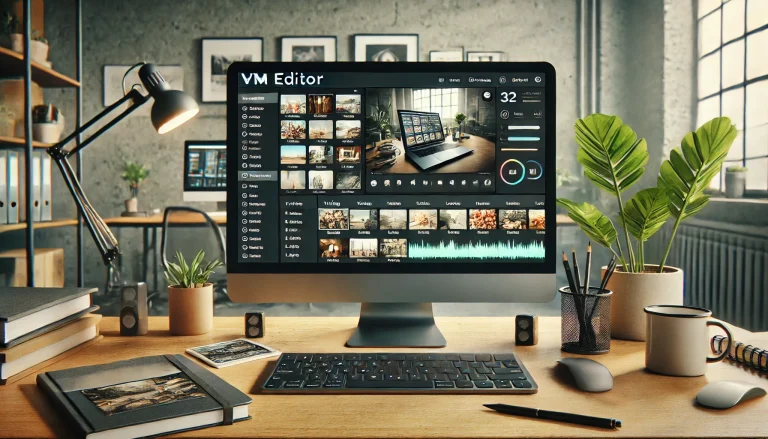
VM Editor offers several benefits that help users edit photos and visual content without stress. The platform is designed to reduce effort while keeping results clean and usable.
Each benefit focuses on saving time, improving ease of use, and helping users work without technical problems.
Saves Time During Photo Editing
One of the main benefits of VM Editor is time saving. Users can upload a photo, make edits, and download the result in a short time.
There is no need to learn advanced tools or follow long steps. Everything is placed clearly, which helps users finish work faster.
This benefit is useful for people who edit images regularly.
No Software Installation Required
VM Editor works online through vmeditor.in, which means users do not need to install software. This removes setup issues and saves device storage.
Users can access the editor from any browser. This helps when working from different devices or locations.
It also reduces system load on older devices.
Easy for Beginners to Use
VM Editor is easy to understand, even for users with no editing experience. The tools are labeled clearly and follow a simple order.
Users do not need tutorials to start editing. The platform guides them naturally through each step.
This benefit makes VM Editor suitable for students and first-time editors.
Clean and Simple Editing Tools
VM Editor focuses on useful tools instead of adding unnecessary features. This helps users stay focused while editing.
Each tool serves a clear purpose. There is no confusion caused by crowded menus.
This benefit improves editing accuracy and reduces mistakes.
Works on Different Devices
VM Editor can be used on desktops, laptops, and supported mobile browsers. This gives users flexibility.
They can start editing on one device and continue later on another. This supports flexible work habits.
This benefit is helpful for freelancers and remote users.
Helps Maintain Consistent Visual Quality
VM Editor helps users maintain consistent quality across images. The editing controls work smoothly and prevent harsh changes.
Photos look balanced and clear after editing. This is important for content used on websites or social platforms.
Consistency helps build trust and a clean visual presence.
Reduces Learning Effort
Many editing tools require training. VM Editor reduces this effort by offering an easy layout.
Users spend less time learning and more time editing. This benefit improves productivity.
It also lowers frustration for new users.
Supports Everyday Editing Needs
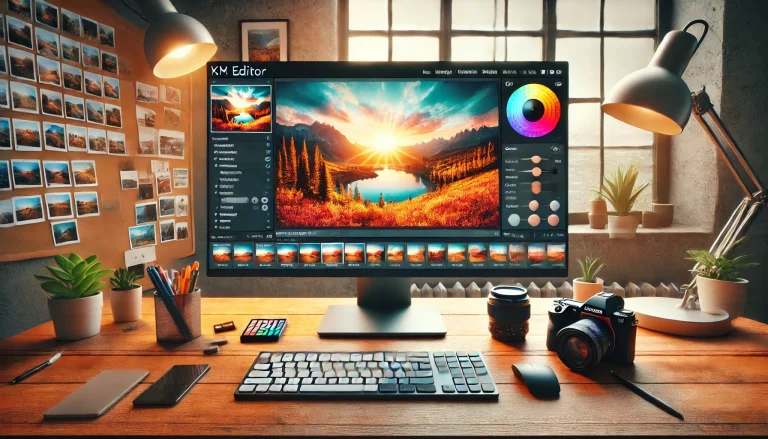
VM Editor is built for common editing tasks such as cropping, resizing, and adjusting visuals. These are the tasks most users need daily.
Instead of complex features, VM Editor supports practical needs. This keeps editing simple and effective.
This benefit suits personal and professional use.
Reliable Output Quality
VM Editor allows users to download edited images with clear quality. The output is suitable for sharing, posting, or uploading.
Users do not need to worry about image clarity after editing. This benefit supports confidence in results.
Reliable output saves time by avoiding re-edits.
Suitable for Many User Types
VM Editor benefits a wide range of users:
- Students
- Content creators
- Freelancers
- Small business owners
- Social media users
Each group benefits from ease, speed, and clarity.
Why VM Editor Is a Practical Editing Choice
VM Editor focuses on what users actually need. It avoids unnecessary steps and keeps editing simple.
The platform supports fast workflows and clear results. This makes it a practical choice for regular editing tasks.
Final View on VM Editor Benefits
VM Editor provides benefits that support simple, fast, and stress-free editing. From online access to clean results, each benefit improves the editing experience.
The platform at vmeditor.in helps users edit photos with confidence and ease.