Speed Ramp CapCut Template for Reels, TikTok & Shorts 2026
Creating eye-catching short videos is easier than ever with the speed ramp capcut template. This editing style is popular on TikTok, Instagram Reels, and YouTube Shorts because it makes simple clips look fast, smooth, and cinematic in seconds.
A speed ramp effect changes the speed of a video at different points. It can slow down a moment for drama and then quickly speed up for action. This creates a stylish and professional feel without complex editing.
CapCut makes this process simple with ready-made templates. You only need to upload your clips, and the app adds transitions, motion effects, and music sync automatically. That is why many creators use these templates to make viral content.
Whether you are editing travel videos, sports highlights, fashion reels, or gaming clips, these templates can help your content stand out. For better music with these fast videos, try: Phonk CapCut Template.
What is Speed Ramp?
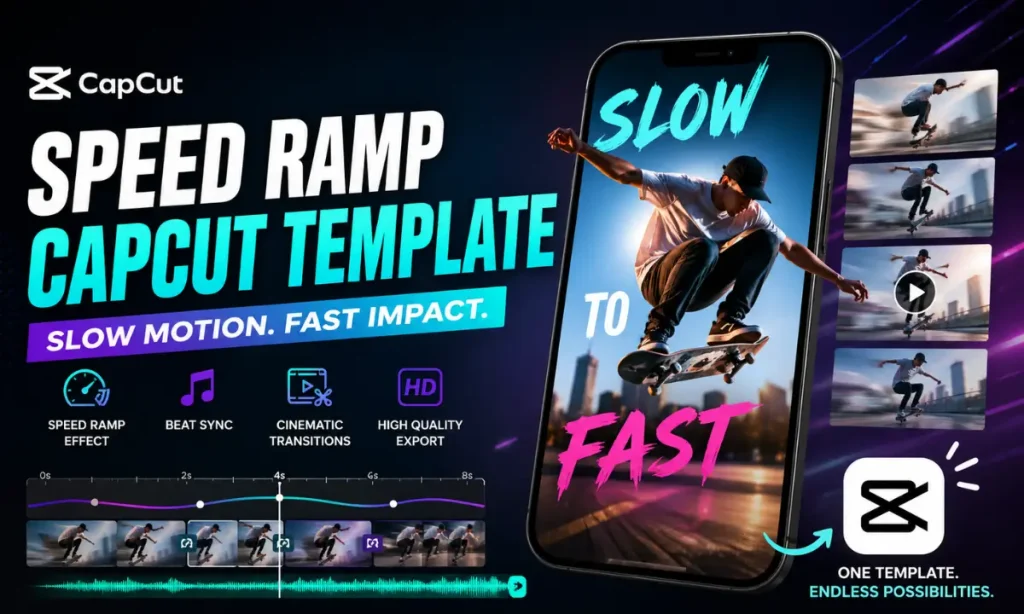
Speed ramping is a video editing technique where the playback speed changes smoothly in one clip. Instead of keeping the same speed throughout the video, editors slow down and speed up different moments to create a dramatic visual effect.
This technique is often used in action scenes, cinematic travel videos, and sports edits. For example, a bike jump may play in slow motion in the air and then quickly speed up when the rider lands.
CapCut templates make speed ramping easier for beginners. You do not need advanced editing skills or manual keyframes. The template does most of the work for you.
These templates are useful because they:
- Add energy to videos
- Make transitions smoother
- Match clips with music beats
- Create a cinematic feel
This effect is also known as Video speed ramp or Speed Ramp Motion in many editing communities.
Key Features
These templates come with many built-in features that improve video quality. Some of the best features include:
Best Speed Ramp CapCut Templates to Try
There are many trending templates available online. Each one offers a unique style for different types of content.
Here are some popular options:
Speedramp Velocity Filter Template
This template mixes smooth speed changes with velocity blur effects. It creates stylish and energetic edits that are perfect for fashion and attitude videos. It also works well with beat-based music. This makes your video look trendy and engaging.
Cinematic Black & Color Speedramp
This template uses black-and-white scenes mixed with color transitions. It gives your clips a movie-like effect. Travel creators and filmmakers often use this style to create emotional edits.
Cinematic Speedramp Beat Edit
This template focuses on syncing transitions with music beats. Every cut matches the rhythm perfectly. It is ideal for dance videos, lifestyle reels, and social media edits.
Speedramp Zoom & Slow
This combines zoom effects with slow-motion transitions. It makes portrait shots and dramatic moments stand out. It is a simple but attractive editing style.
Walking Speedramp Edit
Walking edits are very popular on TikTok and Instagram. This template adds motion effects and smooth transitions to basic walking clips. It makes everyday videos look stylish and premium.
Buildings Speedramp Capcut template Video Edit
This template is great for architecture and city videos. It adds dramatic speed changes to urban scenes. Travel vloggers often use it for cinematic city montages.
Velocity + Distort Slowmo
This style combines distortion effects with slow motion. It gives a bold and edgy look. It is perfect for creative edits and modern social media trends.
Speedramp Transition Template
This is a versatile option for all types of content. It includes seamless transitions and stylish effects. Beginners often choose this template because it is easy to use.
1 Video Speedramp Edit
This template only needs one video clip. It automatically adds transitions and effects. It is perfect for quick edits.
Fast Beat Speed Ramp Template
This template is made for high-energy content. It uses quick cuts and fast transitions synced to music. It works well for gaming clips, dance edits, and sports videos.
How to Use Speed Ramp CapCut Template Link
Using a CapCut template is very simple. You only need a few steps to create a professional video.
These are the steps given below:
- Visit Vm Editor and go to article
- Click the “Use Template on CapCut” button
- Open the template in the CapCut app
- Select your clips or photos
- Adjust timing if needed
- Export in HD quality
- Share it on TikTok, Instagram, or YouTube Shorts
Best Videos Ideas for this template
Not every clip needs speed ramping. This effect works best with action and movement. Videos with motion look more cinematic and engaging.
Best types of videos include:
Why is the Speed Ramp CapCut Template So Popular?
Creators love speed ramp capcut templates because they make videos look polished and trendy. These templates are designed to grab attention quickly, which is important on social media platforms.
They are especially useful for users who want fast results without spending hours editing manually.
Creates Professional-Looking Edits Instantly
A normal clip can look cinematic in just one click. The template adds smooth speed changes, transitions, and visual effects automatically.
This helps creators save time while still getting high-quality results. Many influencers and content creators use these templates daily.
Perfect for Action, Travel, and Sports Videos
Fast-moving videos look more exciting with speed changes. Travel reels become more dramatic, and sports clips feel more intense.
The effect highlights important moments and adds emotion to the story.
Viral on Social Media Platforms
Short-form content needs to catch attention in the first few seconds. These template videos do this well because they are dynamic and visually engaging.
This is why the Speed ramp template for instagram reels is trending among creators.
No Editing Skills Required
You do not need to understand keyframes or motion graphs. Just choose a template, upload your clips, and export the video.
This makes CapCut a favorite app for beginners.
Tips to Make Viral Videos
Speed Ramp vs Velocity CapCut Template
Many users confuse speed ramp and velocity edits. Both are similar, but they have different styles.
These edits use smooth slow-to-fast motion. Velocity edits use sharper and more aggressive speed changes.
| Feature | SpeedRamp | Velocity |
|---|---|---|
| Effect Style | Smooth slow-fast motion | Aggressive fast cuts |
| Best For | Travel, cinematic | Fashion, gaming |
| Music Sync | Moderate | Strong beat sync |
Choose the style based on your content type.
Conclusion
Speed ramp capcut templates are a quick and easy way to create stylish videos. They make simple clips look professional with smooth motion effects, music sync, and cinematic transitions.
Whether you create travel reels, gaming montages, or sports edits, these capcut templates can save time and improve quality. Try your favorite template today and create viral content with ease.